

Progress, made easy.
A clean, no-login strength app.
About LiftForge
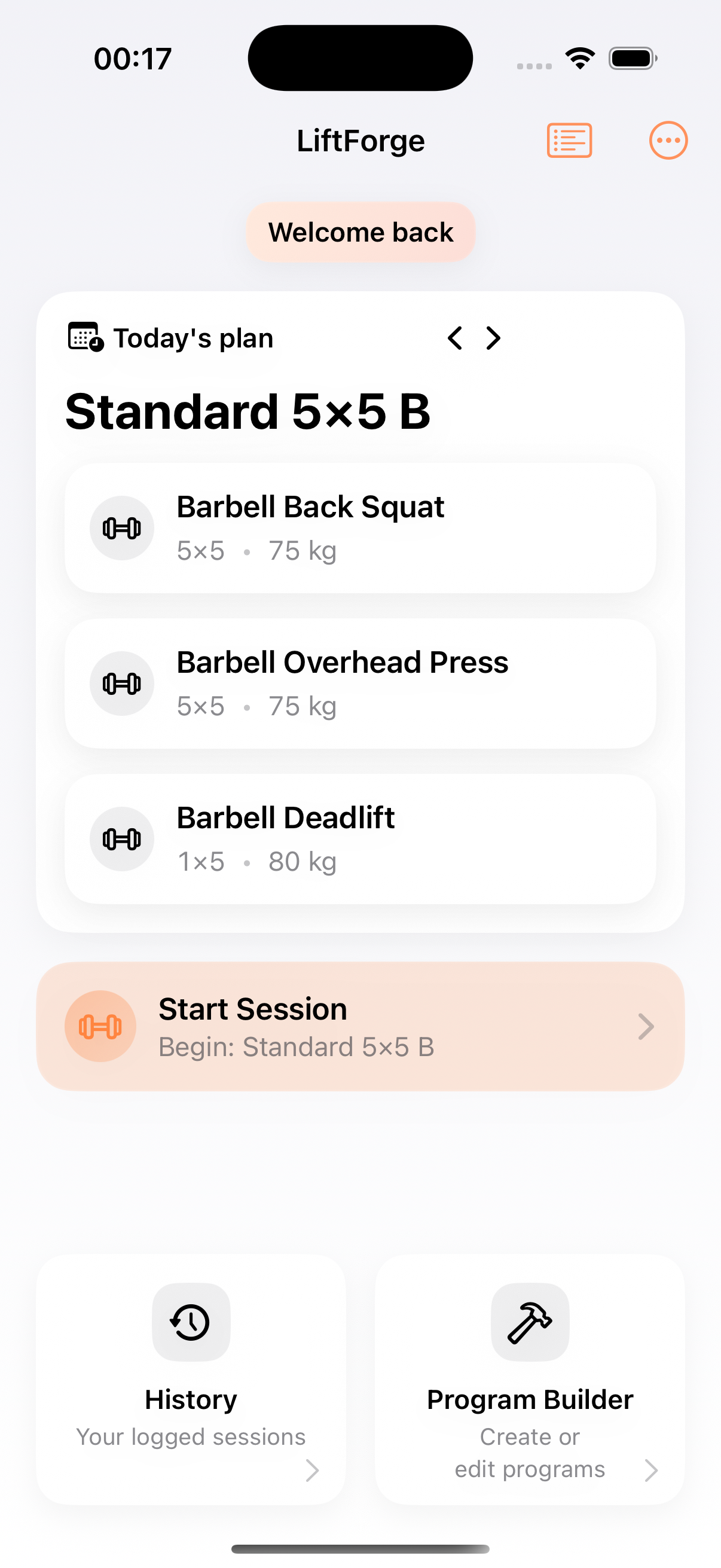
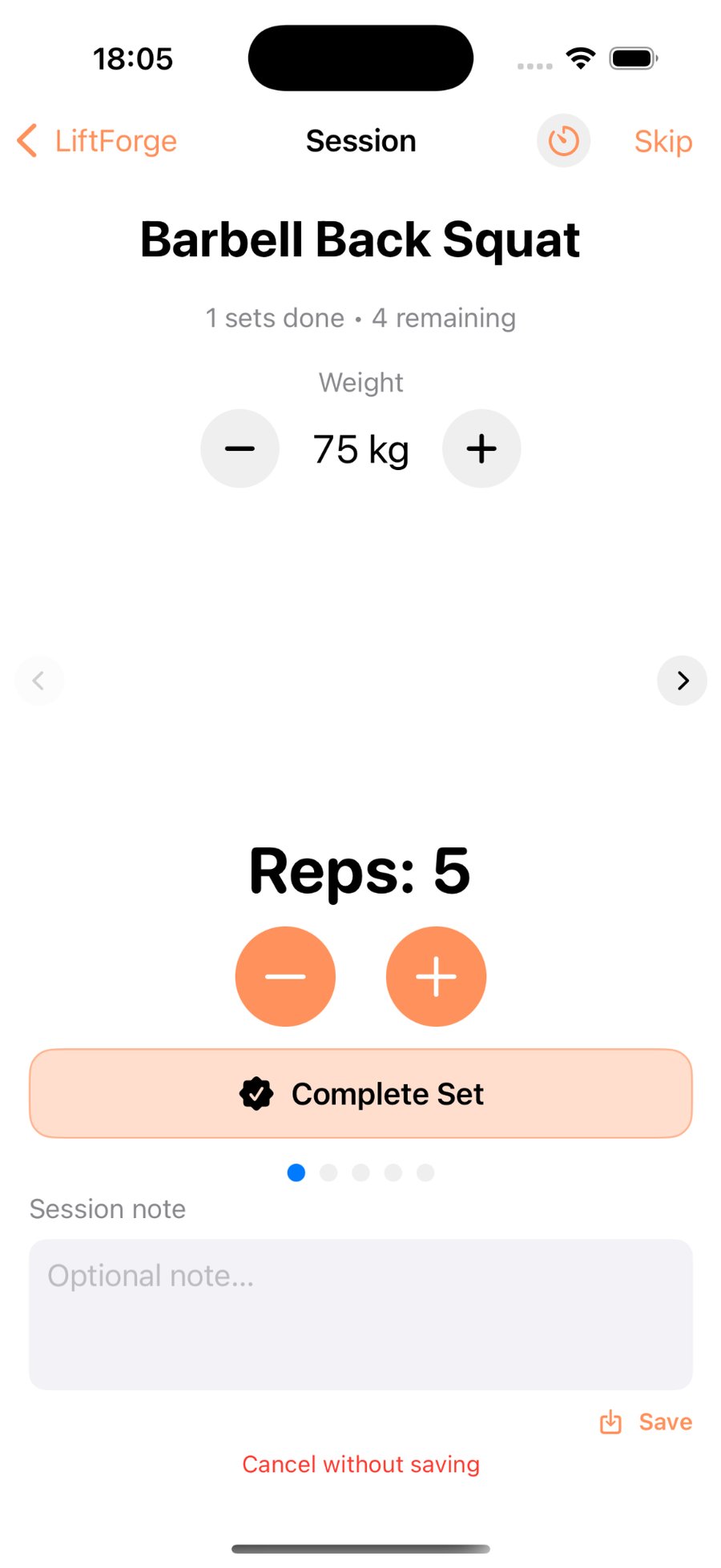
LiftForge is a simple strength training app built for people who just want to lift and track their progress. It works offline, needs no account, and automatically increases your weights when you complete a session. You can follow 5×5, Upper/Lower, or Hypertrophy programs – or create your own.
If you’ve tried other workout trackers that require logins or cloud sync, LiftForge keeps it local, fast and private.
How it’s different
Most workout apps like Strong or FitNotes rely on accounts or cloud sync. LiftForge works fully offline — nothing to sign up for, and nothing to track. Just lift, log, and progress.
Why LiftForge™?
No accounts
Open the app and lift. Nothing to create, nothing to forget.
Simple progression
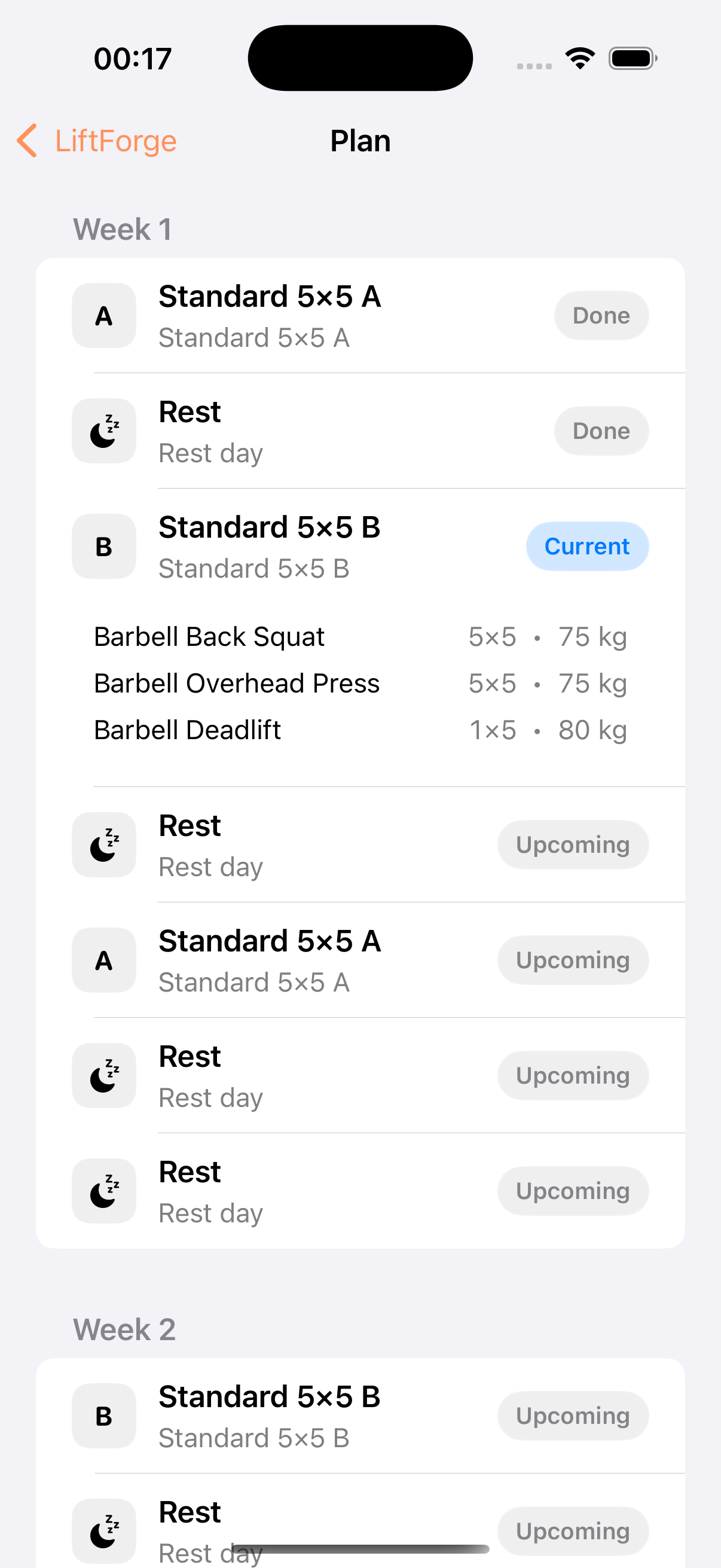
StrongLifts-style 5×5 included, or map your own week and repeat.
Training diary & progress
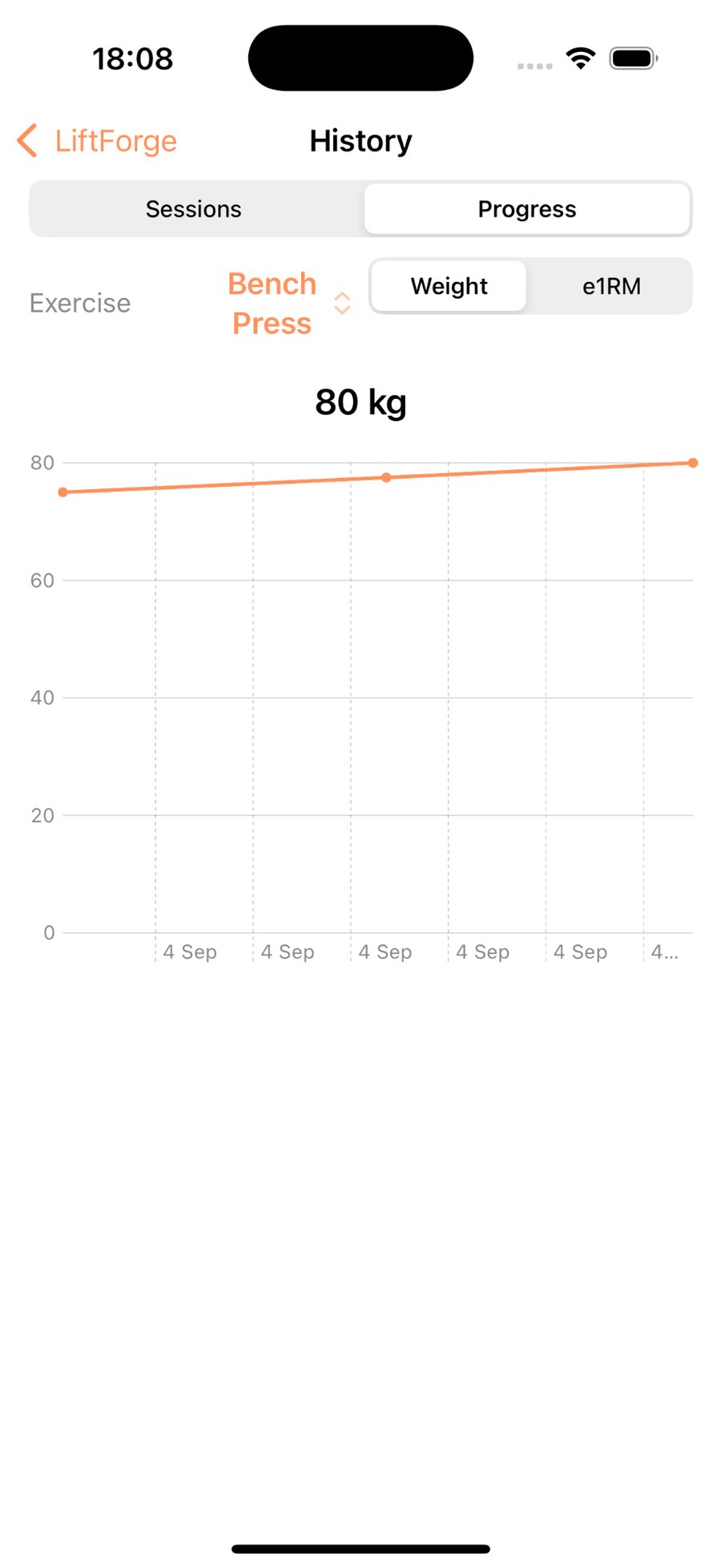
Tracks progress on every exercise and auto-progresses after each completed session — plus a clean session log and progress chart (weight & e1RM).
Rest timer done right
Background countdown and a notification when it's time to lift again.
Bonus days & notes
Optional accessory sessions you can tweak on the fly — add or remove exercises.
Built-in programs
Not just 5×5: Upper/Lower (4d), 5/3/1 (4d), Hypertrophy (5d), Calisthenics (3d), Machines (3d), Glutes & Core (3d).
Programs included
Pick a preset and lift today — every plan is editable.
Beginner 5×5 (3d/week) Beginner
Full-body A/B days that build strength fast with small, steady jumps. The big barbell lifts—squat, press, pull—kept simple so you can focus on form and progress.
Upper/Lower Balanced (4d) Intermediate
Even coverage for chest, back, legs and core across the week. Moderate volume for clear strength and size gains without burning out.
5/3/1 Classic (4d) Interm./Adv.
A proven strength framework on the main lifts, supported by accessories that add muscle and reinforce technique—ideal for long-term PRs.
UL + Push/Pull/Legs (5d Hypertrophy) Advanced
High-frequency split for fast physique changes. Combines Upper/Lower and PPL to maximize quality weekly sets across all major muscle groups.
Mixed Strength/Hypertrophy (5d) Advanced
Heavy compound days, higher-rep pump work, and a fast density finisher. Strength you can feel, volume where it counts.
Beginner Machines (3d) Beginner
Confidence-building full-body sessions on machines. Easy to learn, easy to progress—perfect if you’re new or returning to training.
Calisthenics Hypertrophy (3d) All Levels
Bodyweight push/pull/legs with smart progressions. Push-ups, dips, pull-ups, rows, lunges and core—build muscle with minimal equipment.
Glutes & Core (3d) All Levels
Hip-dominant strength plus core stability for power, posture and carryover to every other lift.
Screenshots
Privacy
LiftForge™ stores your data locally on your device. There’s no account and no cloud sync. Delete the app to delete the data. That’s it.
FAQ
Do I need an account?
No. LiftForge works without accounts. Your data stays on your device.
Does it work offline?
Yes. Plans, logging, history and progress work offline.
Is there a 5×5 program?
Yes. Start a StrongLifts-style 5×5 in seconds or build your own plan.
Does it track progress automatically?
Yes. LiftForge keeps a simple training diary, tracks progress on every exercise, and auto-progresses after each completed session.
Does LiftForge include more than 5×5?
Yes. Templates include Upper/Lower (4d), 5/3/1 (4d), Hypertrophy (5d), Calisthenics (3d), Machines (3d) and Glutes & Core (3d).
How do rest timer notifications work?
LiftForge runs a background countdown and notifies you when it's time to lift again.
What about privacy?
Your data stays on your device. Delete the app to delete the data.